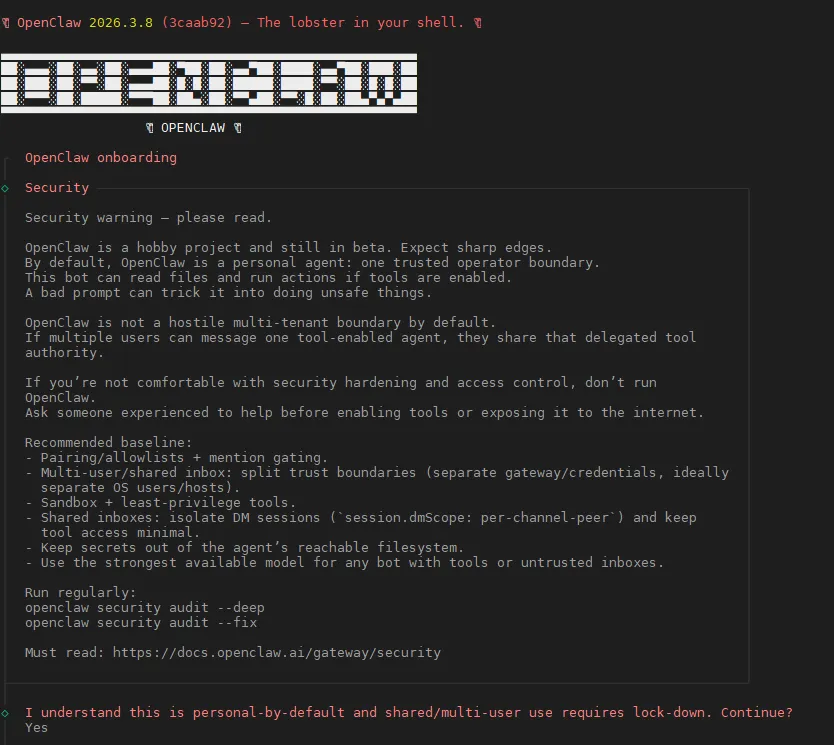
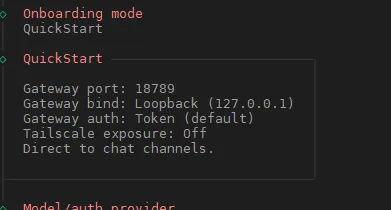
Openclaw部署
使用环境
- Ubuntu环境
- VMware+Ubuntu24.04
先下载镜像,这里用的是华为的镜像源下载
https://mirrors.huaweicloud.com/ubuntu-releases/24.04/ubuntu-24.04.4-desktop-amd64.iso
然后通过Vmware来安装Ubuntu24.04
新建虚拟机,选好配置,选好对应的镜像,无脑下一步就好了
如果需要linux远程,记得开启ssh
装nodejs
# 安装基础工具
sudo apt install -y curl git wget build-essential
# 添加NodeSource仓库
curl -fsSL https://deb.nodesource.com/setup_22.x | sudo -E bash -
# 安装Node.js
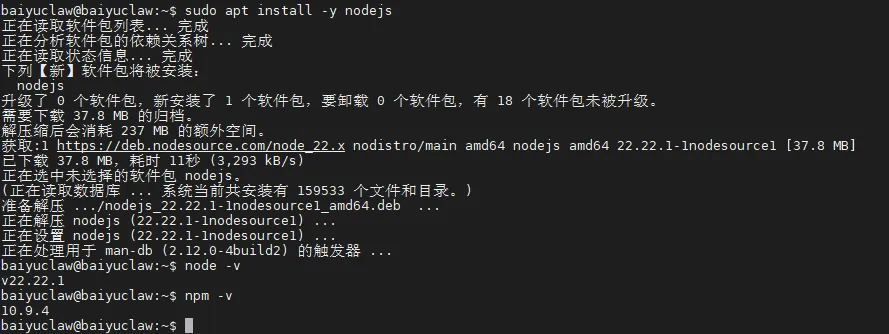
sudo apt install -y nodejs
# 验证版本(必须≥22.x)
node -v
npm -v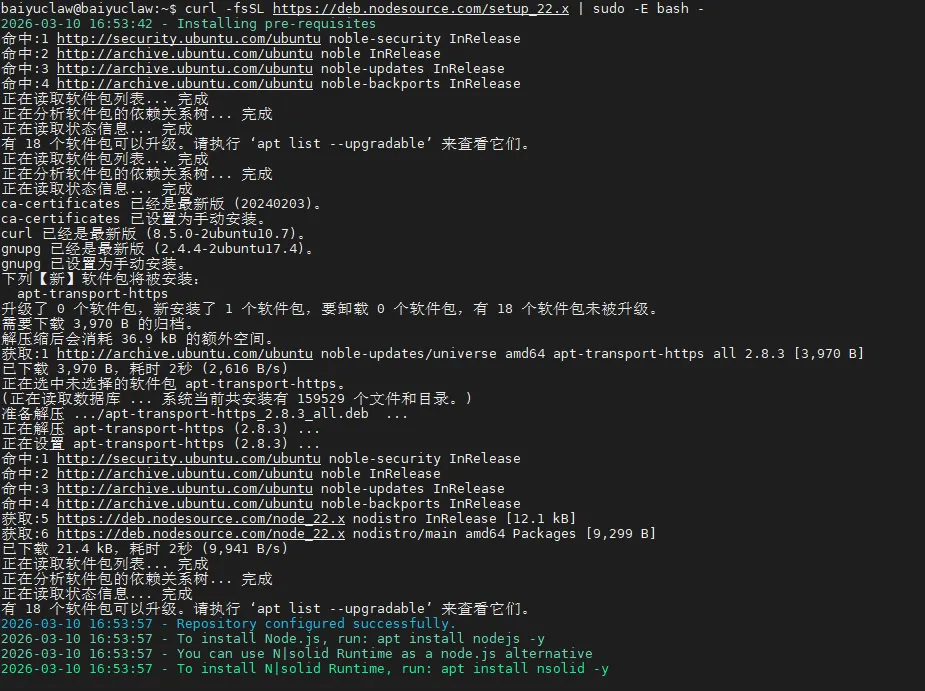
安装openclaw
curl -fsSL https://openclaw.ai/install.sh | bash